
It is currently
with a high of
today.
We've kept your settings so you don't have to redo everything again.
Thank you for installing Bonjourr, we hope you'll love it. Your new startpage will now appear every time you open a new window or tab.
If you'd like to help us, suggest ideas or report bugs, you can head to our website. Click on the Begin button to set up Bonjourr and learn the basics.
Language
You can add an easy access to your favorite websites in the Quick Links settings. Just type your site's title, its URL and click Add, it will appear under the weather widget.
To get rid of a link, press it for a second and the delete icon will appear.
Incorrect URL
Bonjourr's weather defaults to Paris. Activate geolocation and the weather will be automatically updated according to the city you're in. You can also enter a city manually and change the measure unit.
There was a problem
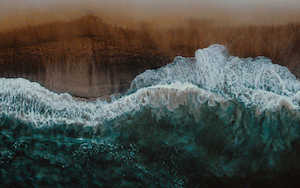
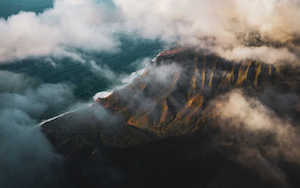
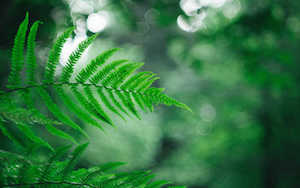
You can choose a background from our selection below. To put a custom background, a dynamic background or adjust the blur intensity, you can visit the Settings.
A dark mode is also available.
If you want, you can add a search bar and choose your favorite search engine.
You now know the basics of using Bonjourr. Don't forget that you can go further into customization by visiting the Settings with the icon in the bottom right corner of the window.
Incorrect URL
You can delete the Quick Links after a long press on the icons.
Activate this option to see your background automatically change everyday with beautiful ones curated by the Bonjourr team.
There was a problem
Use this option if you don't want to enable geolocation.